
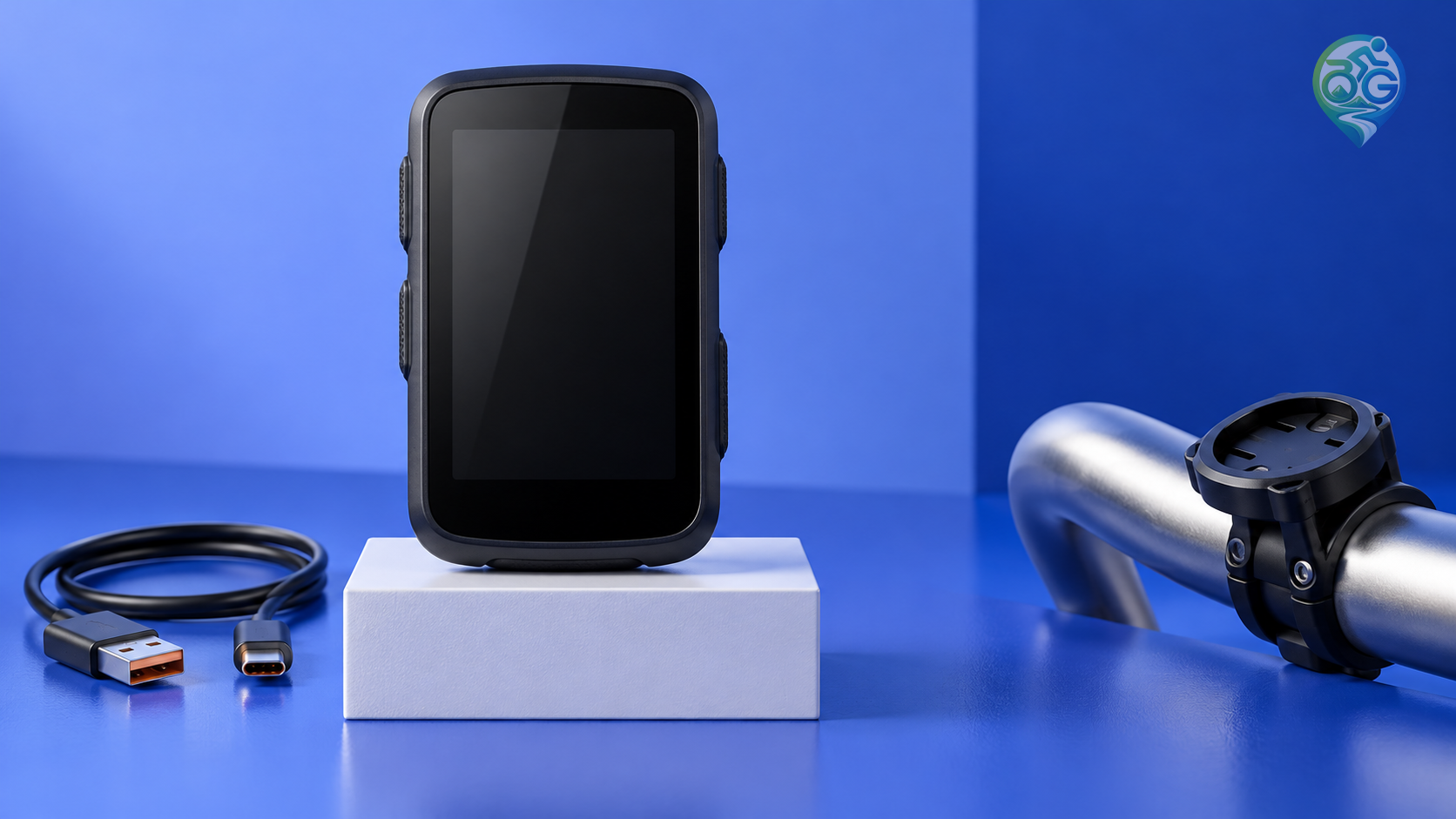
Before following a GPX on a cycling trip, open the version that actually reached your riding device. A successful transfer message answers only part of the question. You still need to know whether the displayed line matches the intended journey, which item was imported and what the navigator will do with it. A cycling GPX file check is most useful when it compares the source with that final result.
Start with the imported result
Zoom out until the complete journey is visible, then inspect the sections that matter: the start, finish, important junctions and intended stops. Check that you have selected the right direction and the right item. If a long straight connector appears somewhere unexpected, investigate it before treating it as a rideable link. A line on a screen does not establish road access, surface condition or permission to pass.
Keep the original file available while doing this comparison. Use a duplicate for conversions and edits, with a date or version note in its filename. That gives you a clear reference if the result changes. When someone else supplies the file, ask which programme and export option they used. A short explanation can be more useful than receiving the same attachment again under another name.
Find out what the GPX contains
The GPX 1.1 schema accommodates waypoints, routes and tracks in the same document. Routes contain ordered route points; tracks contain points describing a path and may have separate segments. Elevation and time are optional point fields. The filename extension alone therefore cannot tell you which navigation behaviour to expect.
Decide what you want to preserve. For a ride that depends on following a particular line, ask whether that line survives the import. For a journey built around several destinations, investigate how the navigator connects them. Do not assume that selecting a saved location has selected the full day's itinerary. If the import produces several entries, open them individually and identify what each represents.
A missing elevation profile or a break between sections deserves a question about the data, rather than an invented answer. Do not fill a gap by assuming there must be a public road between the visible ends. Resolve unexplained sections with the file supplier and relevant current access information. This is a data review, not an assessment that the actual route is suitable for your bicycle or your experience.
Separate the original line from navigation choices
In its outdoor handheld explanation, Garmin says routes may use straight point-to-point connections or calculated paths, depending on the device, maps and routing settings. Following a fixed track is a different behaviour. Use that as a manufacturer-specific example, then check the manual for your own equipment. Our cycling GPS guide places map coverage and transfer features in the wider equipment decision.
Inspect the source and imported lines at comparable scales. If their distances disagree, find the location of the difference rather than simply choosing the smaller number. Garmin's routes and tracks reference notes that points can be consolidated or truncated to meet device limits. There is no single point allowance to apply to every navigator. Look up your model and resolve an unexplained change before relying on that version.
Rehearse the setup you will take riding
Reopen the saved item on the device you intend to use. If the trip depends on offline use, test the line and the required map detail without a connection as separate checks. Practise the relevant controls somewhere familiar and safe. Do not use an unfamiliar road as a training ground for learning the menus. A successful rehearsal establishes something about your setup; it does not verify conditions along a distant itinerary.
After the last edit, confirm that riding companions have the same version. Revisit the distance, climbing and stop plan against the line you have agreed to use. Keep current access checks separate from the file inspection. For a longer outing, include a fallback in your long-distance ride preparation. Leave the final device entry clearly named, so the start of the ride is spent checking the surroundings rather than choosing between several nearly identical imports.

Discussion & Comments 0
Share your thoughts, gear experiences or ask questions about this guide.
No comments yet.
Be the first to share your thoughts!
Join the Discussion
Log in with your Bisikletli Gezgin mobile account to participate in discussions and track your contributions.